This page helps you prepare for the hybrid conference by explaining what is expected of you and the platform, volunteers, admin support and colleagues. You may have attendees and presenters face-to-face (f2f) in the room and remotely online in Zoom.
Room setup
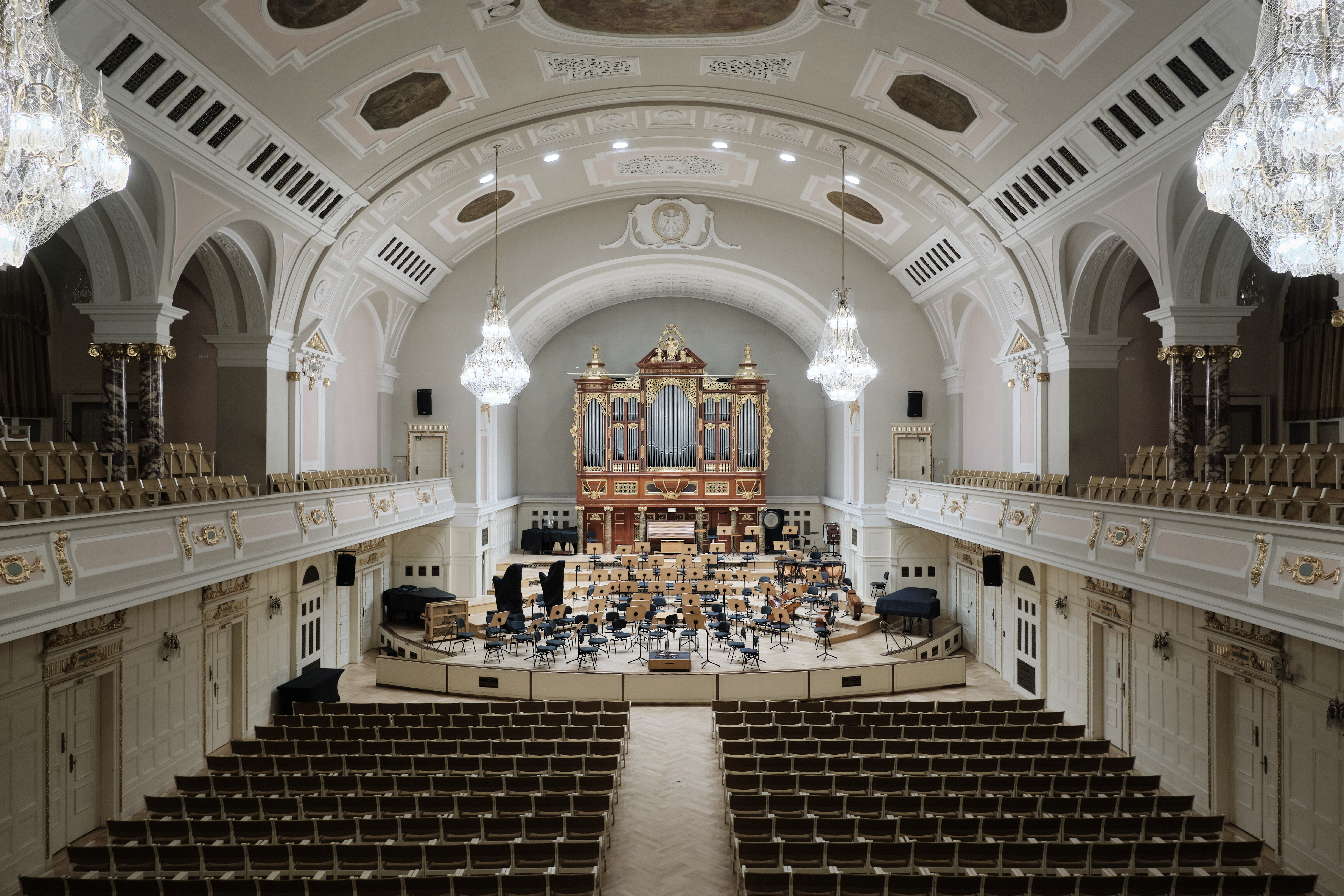
Each room has a computer with camera and microphone, connected to a projector and speakers.
In larger rooms there may be additional microphones (lapel or ceiling). Computer on the desk will be used by presenters and convenors. Notice! do not attempt to connect your own computer as then the setup with cameras and microphones is not working. You can transfer all the presentations to the set up presentation computer using a USB stick.
The volunteer in the room will start the proper Zoom session on the computer, setting it to Gallery view so that in-person delegates in the room can see online delegates on the screen. All in-person presenters using a PowerPoint, etc. should share screen within Zoom so online delegates can see; similarly online delegates will present sharing screen.
Convenors should use the room’s computer to monitor the chat (between/after presenters) for questions from online delegates. Alternatively convenors could bring a laptop/tablet/phone from which to monitor the remote participant questions, but any additional devices in the room connected to the Zoom, MUST have their sound muted/off throughout, and their microphones muted, most of the time.
How to chair/convene your hybrid panel?
As a chair/convenor, you should:
- Enter the room and Zoom at least 20 minutes before the session starts, meet the volunteer. If you are using your own device to monitor online chat/questions, then join and become co-host of the Zoom session, keeping sound muted and mic muted as well.
- Check all speakers are present, correct AV equipment is available and the microphone is working. In most rooms the mic is built into the camera. Larger rooms may have a lapel mic available. Inform your room/panel’s conference volunteer if there are any issues.
- If you are an online convenor use this time to liaise with your f2f stand-in/chair, so that you can both perform your roles.
- Decide how questions will be taken (both f2f and online – where you might prefer text chat to raised hands, or vice versa). See advice below.
- Stick to the running order printed on the sheet on the door of your panel room. If there are good reasons to amend the order, please update the sheet and inform online participants.
- Plan panel/speaker time and how time-keeping reminders will be given to presenters (f2f and online). See advice below.
- Encourage f2f people to sit towards the front of the room, so that everyone can see/hear – all the more important in hybrid context, where spoken f2f questions will need to come to the front and use the lapel mic.
- Open the session with a few introductory remarks, remembering to address both f2f and remote participants. Do not treat remote participants as second class citizens. Greet everyone, introduce yourselves and any other significant actors in the panel (discussants, volunteer etc).
- Give participants a reminder of the conference X/twitter hashtag to encourage reporting on your panel.
- Remind everyone that the panel is taking place both in the room and in Zoom, and remind the audience that the panel will be recorded, ensuring they consent to this, or are given the choice to step out. The conference volunteer will take care of the recording.
- Introduce the panel topic (if necessary); introduce/invite people to present
- Keep time and alert presenters to running out of time. See advice below.
- Address questions in the audience, both f2f and in Zoom (whether by chat or raised hand) and do your best to give both domains equivalence – do not forget the online participants!
- Prompt discussion:
– try to ensure the widest participation is achieved. Avoid using names of people you know during questions/discussion time – those whose names you do not know may feel marginalised
– if a question and answer become a dialogue that excludes the rest of the panel and make it impossible to ask other/further questions, please interrupt and suggest colleagues continue that particular line of discussion later. - Thank the speaker(s) and try to close the panel with a conclusion that references all the papers and their contribution to the panel’s theme.
- End the Zoom session or ask the volunteer to do so.
- When the session ends, the panel must leave the room during the break even if the discussion is flowing. You should very clearly end the discussion and request that you all continue outside, in a more informal setting, over refreshments.
We recommend having at least two convenors: one to focus on the in-person part of the session, the other to focus on the online part of the session, both supported by the panel volunteer.
How to take questions?
Online
Agree with your volunteer and co-convenors how you’ll take online questions – there being two options:
- writing questions into Zoom chat
- using ‘raise hand’ function in Zoom (people raise their hands and pose their question orally)
Once decided on which option is to be used, communicate this to the whole room. If you go for the ‘raise hand’ option, it’s a good idea to have in place an alternative for people unable to present questions live (writing in chat for example) and decide who will be reading these questions out. Convenors should monitor the Zoom chat on the room’s computer, or if they prefer, on their own device (with sound off).
F2F questions
For the online audience to hear questions from f2f participants, they need to be spoken into the room’s mic. Decide which option you prefer:
- Preferable: instruct the questioner to come to the front, stand where the speaker is, face the camera to ask their question. They can thus be seen and heard by f2f and online delegates alike.
- If such mobility is difficult, and there’s a ceiling or lapel mic, this could be taken to the delegate asking the question, albeit remote participants will not see the questioner.
- Ask the current speaker to repeat the question for the online audience before answering.
This choice will be dictated by the type of equipment available (camera mic or ceiling/lapel mic) and the level of recording consent you have from the audience.
We will have tech support people running through the rooms before the session starts, so if you are at the panel 20 min earlier the tech person can help you to set everything up and make sure that you are using correct setting and microphone. We also monitor the conference from online and if it seems that there are tech issues a tech support person will be sent to assist. You are not left alone with the tech issues!
We recommend online questions be submitted in written format, and f2f questions are spoken from the front.
Plan your panel time
You will need to keep a strict eye on the time. Calculate the X minutes each speaker has based on the number of speakers in each session of the panel. Warn the speaker when they have 5 minutes remaining and when 1 minute is left; if they have not finished after X minutes, kindly but firmly bring them to a stop.
We will provide red, yellow and green signal cards to each panel room that can be used to indicate how much time is still left.
Make your wishes clear at the start of the session to both f2f and online participants, agreeing on both X minutes per speaker and how people will be reminded of how much time they have left.
- For those online, you can open your microphone to give oral reminders or use reactions in Zoom menu, or simply write minutes into chat. Remind authors to keep their eye on whichever channel gets chosen for this.
- For f2f presenters, you might use paper/cards or oral instruction.
Remote presentations
We recommend asking any colleagues presenting remotely to pre-record their presentation and send to you in advance, as connections can be unpredictable or consistently too poor to deliver a clear, audible presentation; or issues can arise on the day which can delay the panel.
Authors can still present live, but they should try to check their connection speed before the conference and decide whether live/recorded is best based on this information.
We’d also recommend ordering remotely presented papers after the f2f presentations, wherever possible, as experience suggests this makes for a smoother panel.
Volunteers and their contribution
The volunteer will start the Zoom session for the online participants and make chairs (if online) co-hosts, so that they have similar functionality as the volunteer. While chairs/convenors moderate presentations, the volunteer will try to solve technical issues – responding to any questions to do with screen sharing, cameras, mics etc.
Sometimes they may consult the chair/convenor on what advice to give: for example, if a speaker is on a very poor connection, it may be a good idea for them to send their presentation file via the Zoom chat and have someone else share screen while they give oral directions.
If you are confident in Zoom, please take such tasks (sharing screen, spotlighting etc) on yourself and leave the volunteer to other tech support (ensuring mics stay muted, responding to cries of help in chat, etc.)
If anything happens that the volunteer does not know how to solve, they will call in a NomadIT tech support person who will assist.
Volunteers are enthusiastic locals and students who have contributed their time in order to attend this major academic gathering. Please keep in mind that volunteers can not take over panel convenor responsibilities nor are they responsible for the failures in conference organisation – if you do wish to criticise or give constructive feedback on the conference, please do so at the conference office to the organisers or contact the EAJS office.
Recording policy
The conference aims to make panel recordings available to delegates to view at a time that suits them, giving better access for remote participants and those who missed particular panels for various reasons. If your panel does not wish to be recorded at all, you can ask the volunteer to NOT begin recording at the beginning of the session. Alternatively you can ask the conference administrators to delete the recording later. Presenters can also ask for the recording to be paused while they are presenting. (Please remind the volunteer to restart the paused recording for the next presenter!)
Recordings will appear embedded on the panel page a couple of hours after the session ends, visible only to delegates. A couple of months after the conference, we may contact you to enquire whether the recording is to be deleted, retained for delegates, or made more widely available.
How to access online sessions?
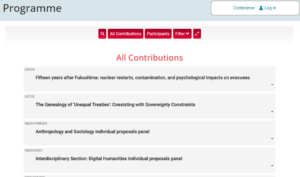
All Zoom links will be posted to the conference programme.
Panel access links to ‘Enter the virtual room’ will be shown in the header of the panel page (the panel explorer on the website) to logged-in, paid-up delegates. You will not see the access link if you are not logged in or for example the payment has not arrived to the conference bank account. If you have paid but can not access the online link when logged in, then please get in touch with the conference organisers at eajs(at)nomadit.co.uk.
Click ‘Enter online’ button to enter the zoom for that panel. Make sure you are clear about the time zone (all times are given in CET/Polish time) – use the timezone converter to avoid any confusion.